 Budopass
Budopass, screen by screen.
The digital passport of the martial arts: grades, belts, masters' stamps, attendance and seminars in one place — and, for those who run a dojo, everything needed to manage it. This guide walks through the web app top to bottom, from the student's side to the manager's.




The examples in this guide live in four demo organisations — Judo, Karate and Aikido, in three languages. People's and dojos' names are invented.
Registration and sign-in
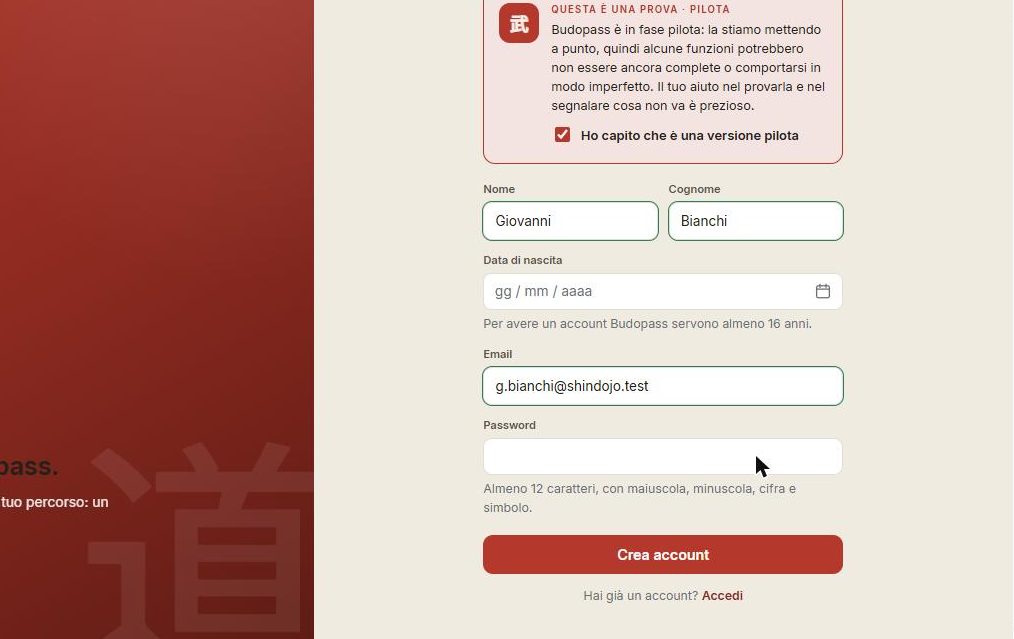
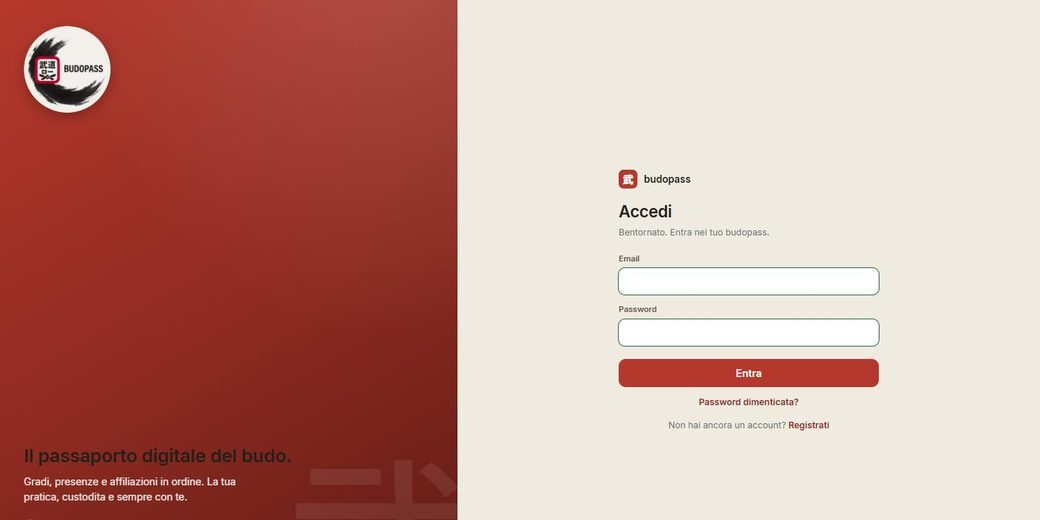
You register once: the account is the person, not the role. From there you enter as a practitioner and, if you run a dojo, you manage the organisation from the same login — the role changes with the dojo, not with the account.
My budopass
The practitioner's side: the passport you carry with you.
The student's home
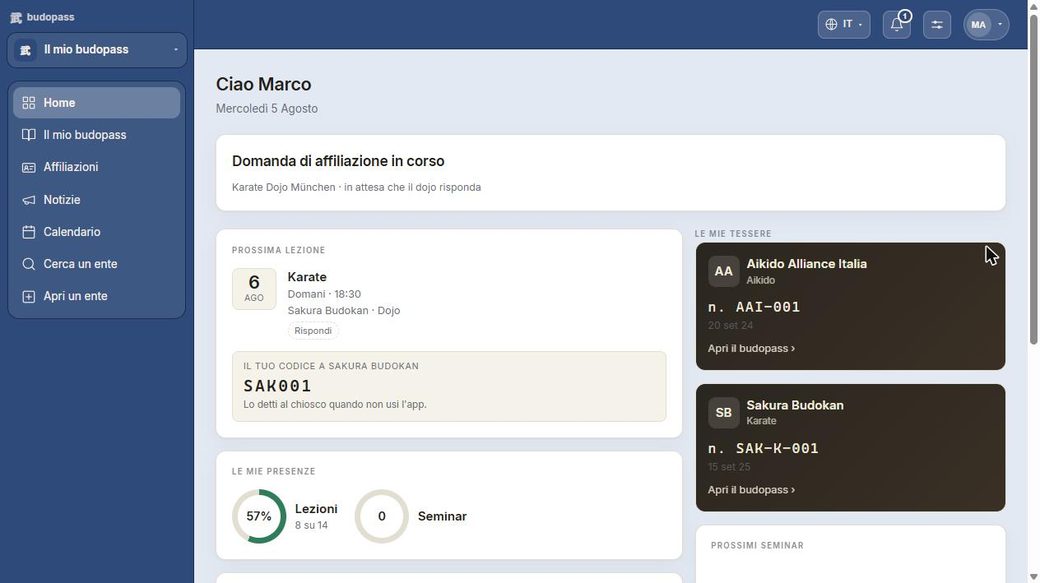
On the student's side, the home is the starting point: your own path, your training, the organisations you follow. The theme is customisable — here in blue — but it's the same Budopass.
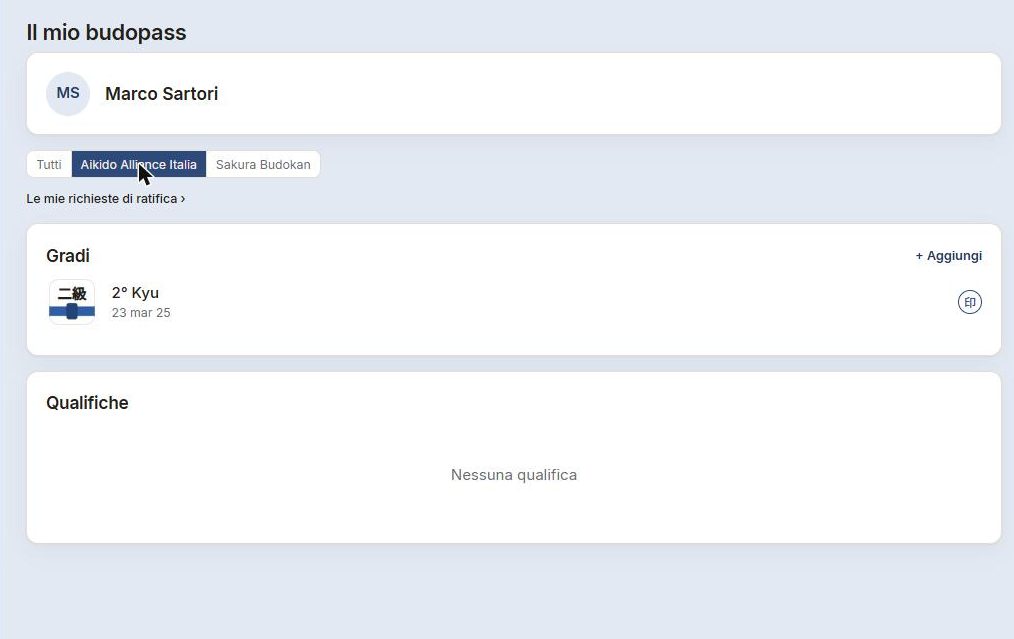
“My budopass” — all together
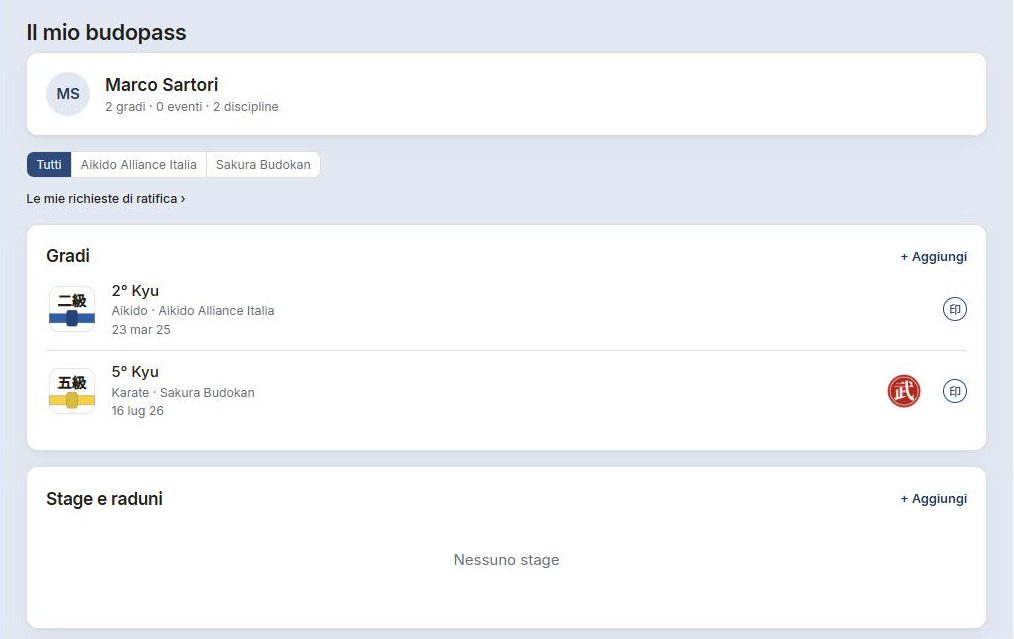
The “All” view is your whole history above the dojos: every grade in every discipline, including the ones you declared yourself. It's the passport in the full sense — you carry it and don't lose it, even if you change dojo.

One membership per dojo
Filtering by an organisation gives you that dojo's membership card: a lens on a single discipline — its calendar, its grades, your attendance there. “All” is the whole picture; the card is one dojo's detail.
A grade's page
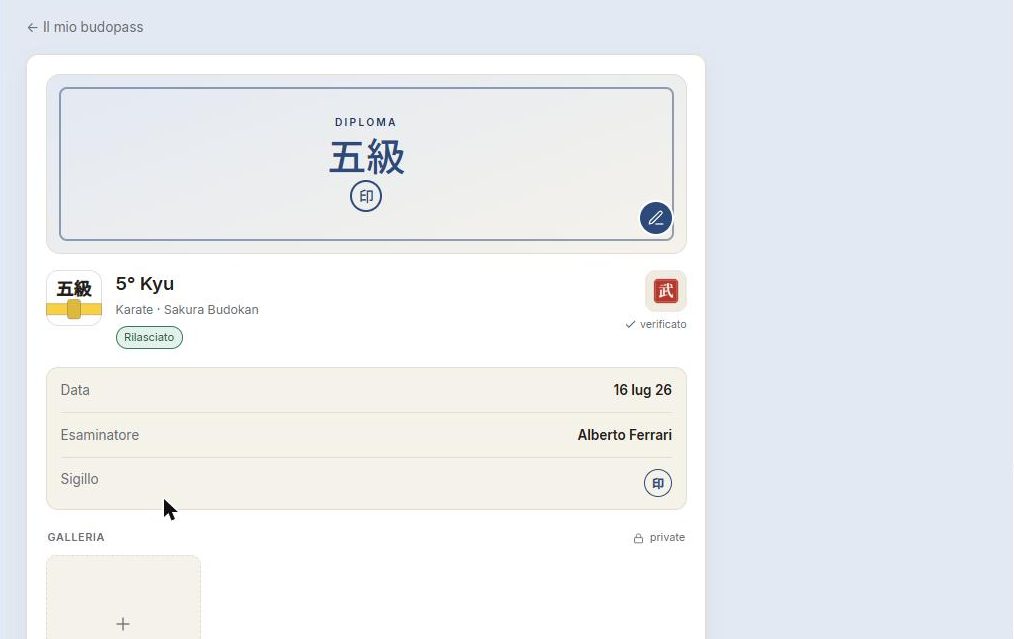
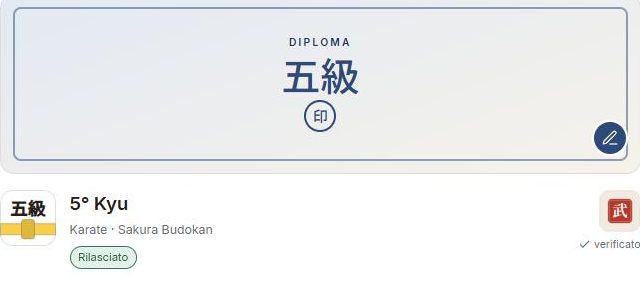
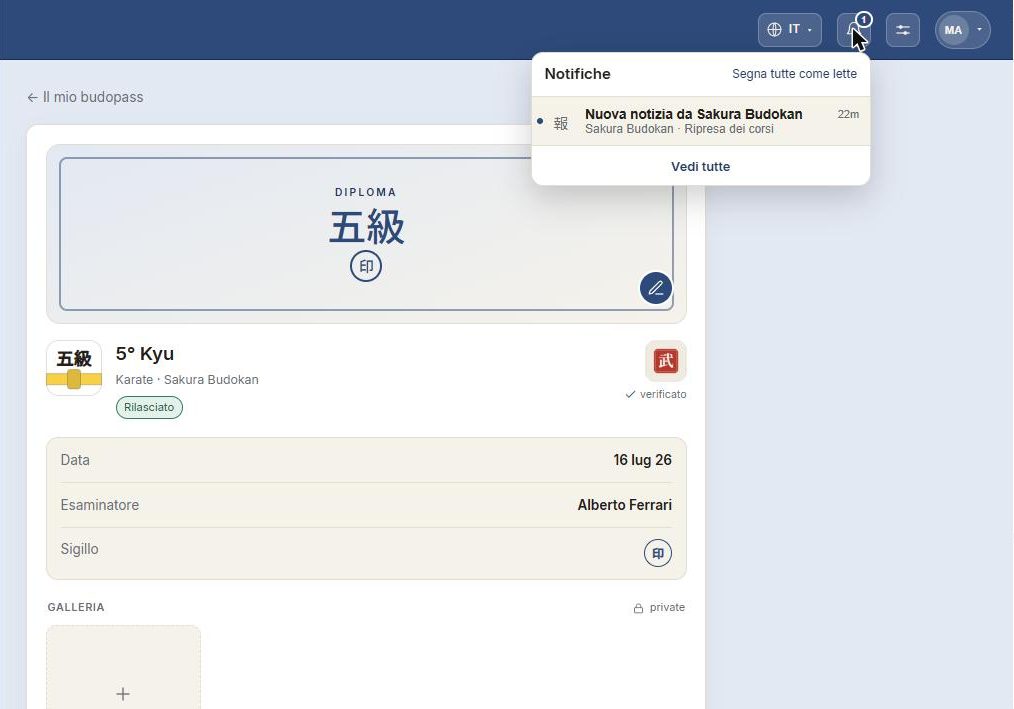
Every grade has its page: the diploma, the date, the examiner and the stamp. When signed by the dojo, it shows as “verified”.
Declaring a grade
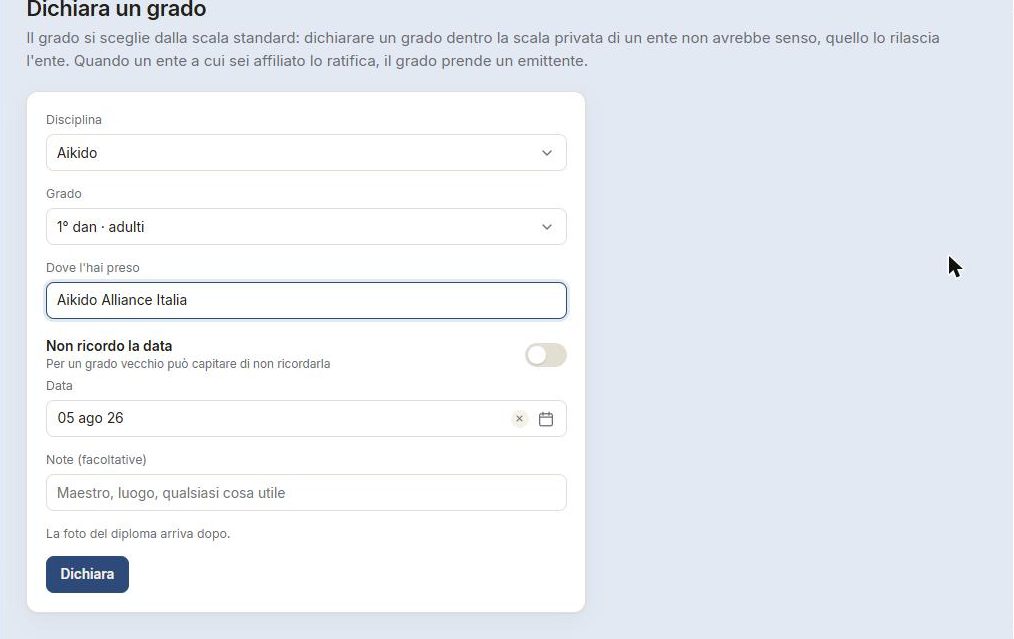
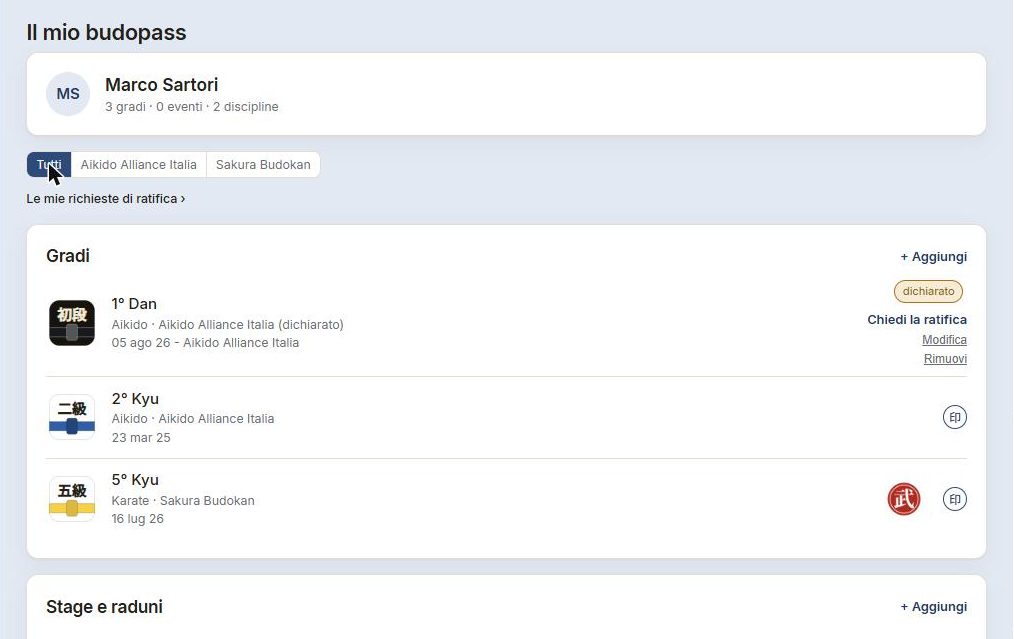
A grade earned before the app — at that same dojo — can be declared: it enters your budopass as “declared”, yours, above the dojos. While it's only declared you can also remove it.
Requesting ratification
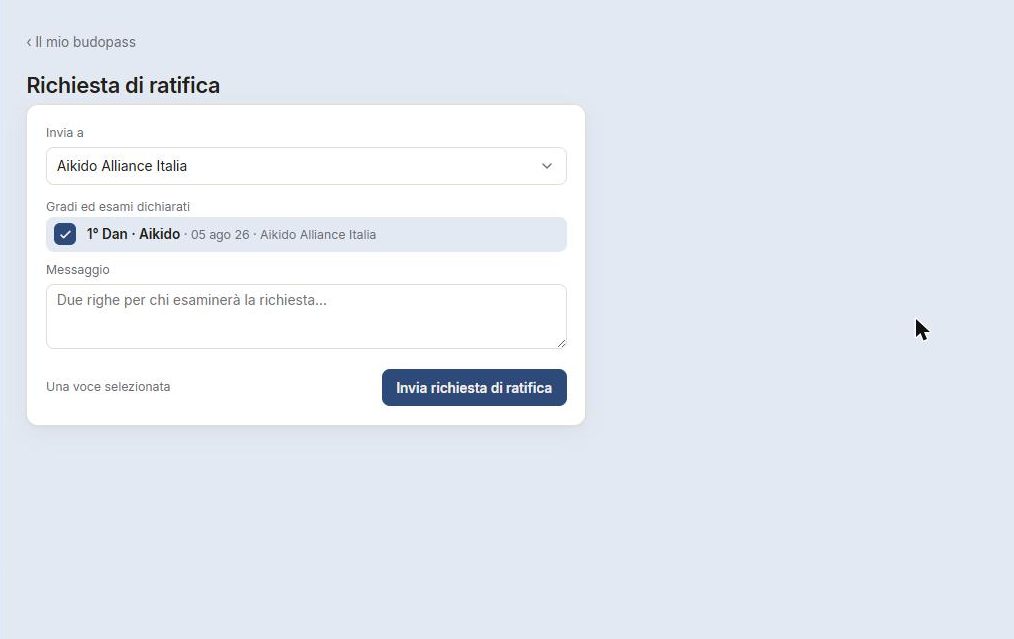
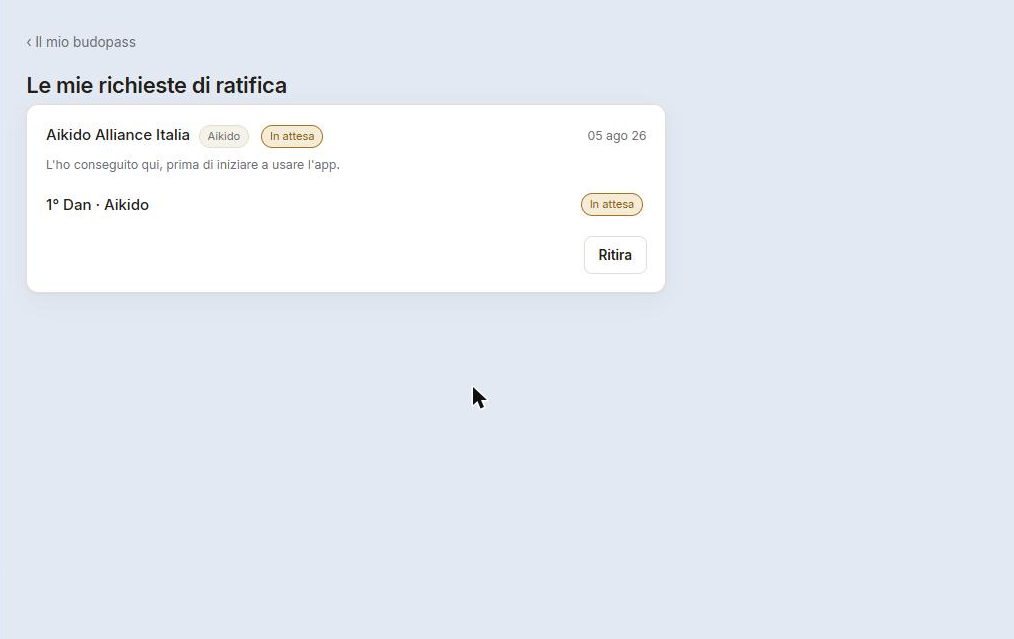
After declaring, you request ratification from the same organisation where the grade was earned: you attach the pages of the paper budopass and submit. The dojo decides item by item; from “declared” the grade becomes “ratified”.
Following and joining
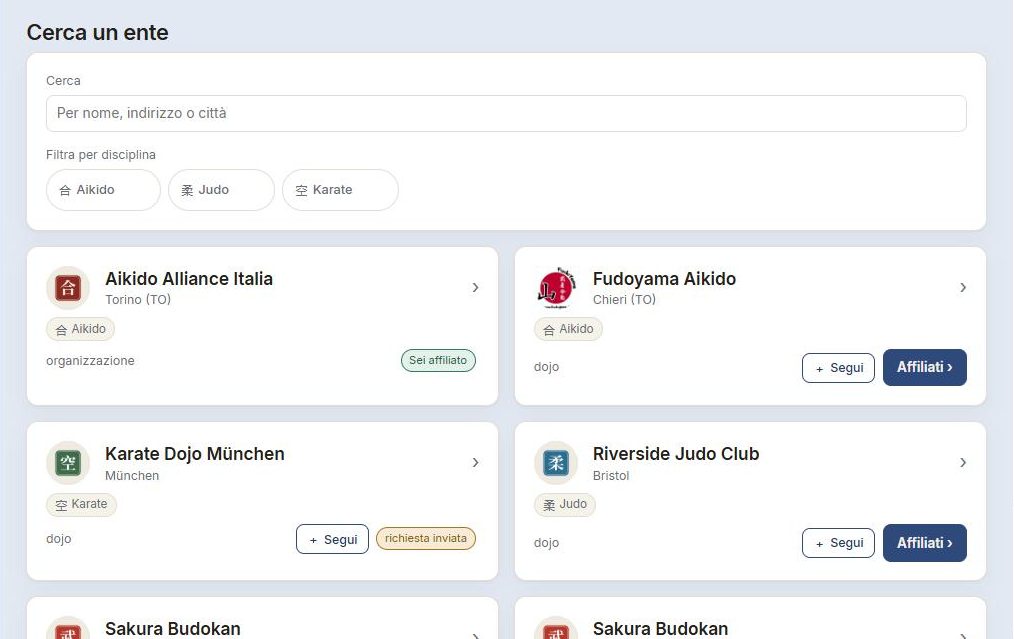
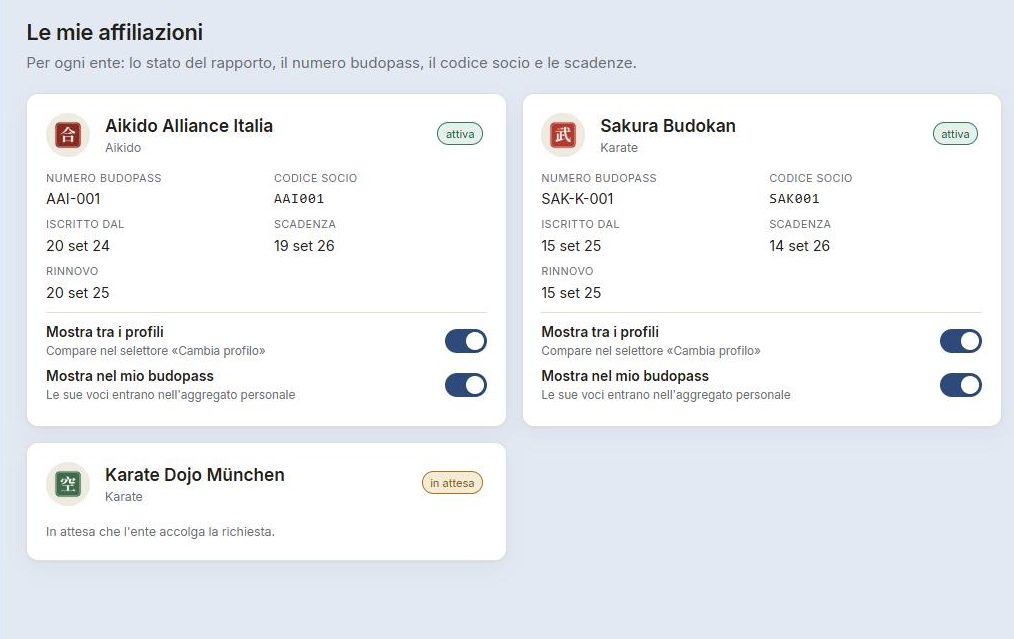
Two different gestures. Follow an organisation to receive its news and events even without being a member — one tap, no approval. Join when you want membership: the organisation accepts and gives you budopass and grades.
Calendar and “I'll be there”
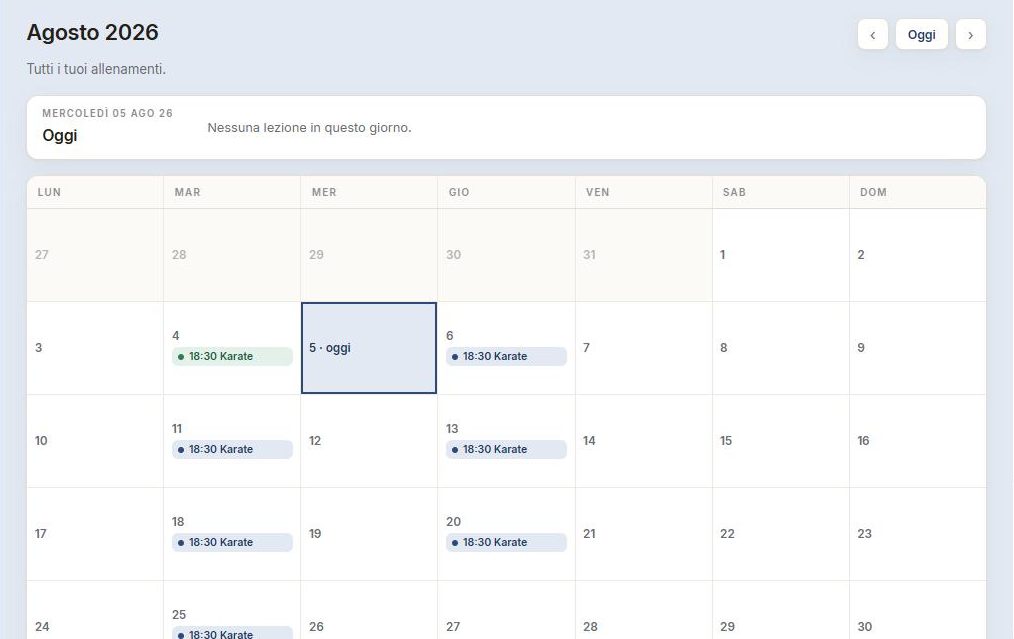
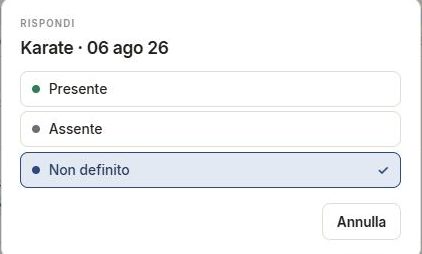
The calendar gathers your training. From a lesson you can reply — Attending, Not attending, Undecided — and the lesson shows “I'll be there”. You reply from the calendar, not the home.
News and notifications
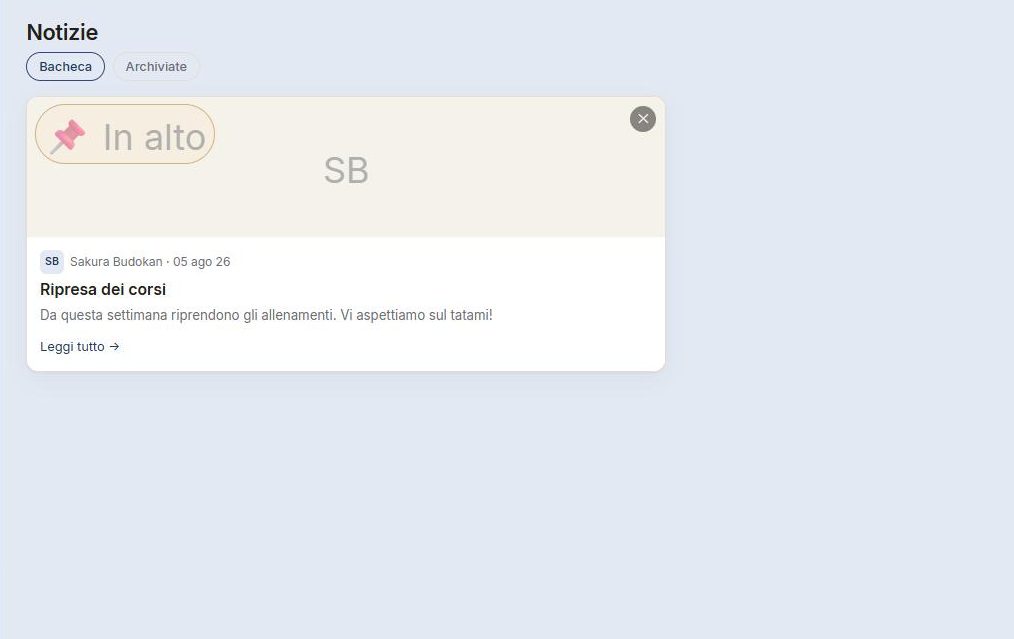
News from the organisations you follow arrives in your feed and the bell: so a message from the dojo doesn't slip past you.
Settings
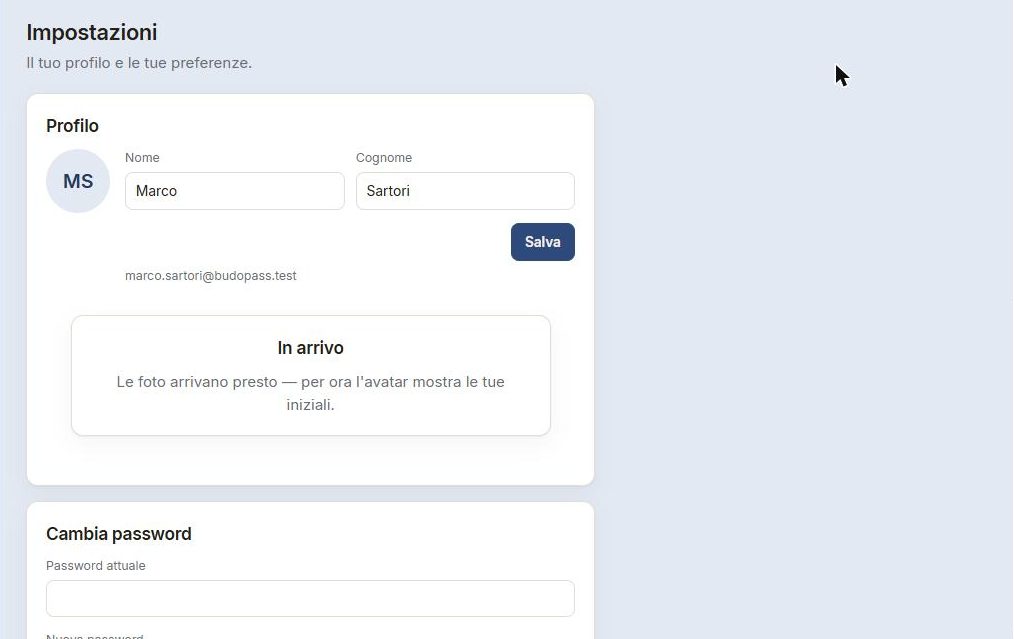
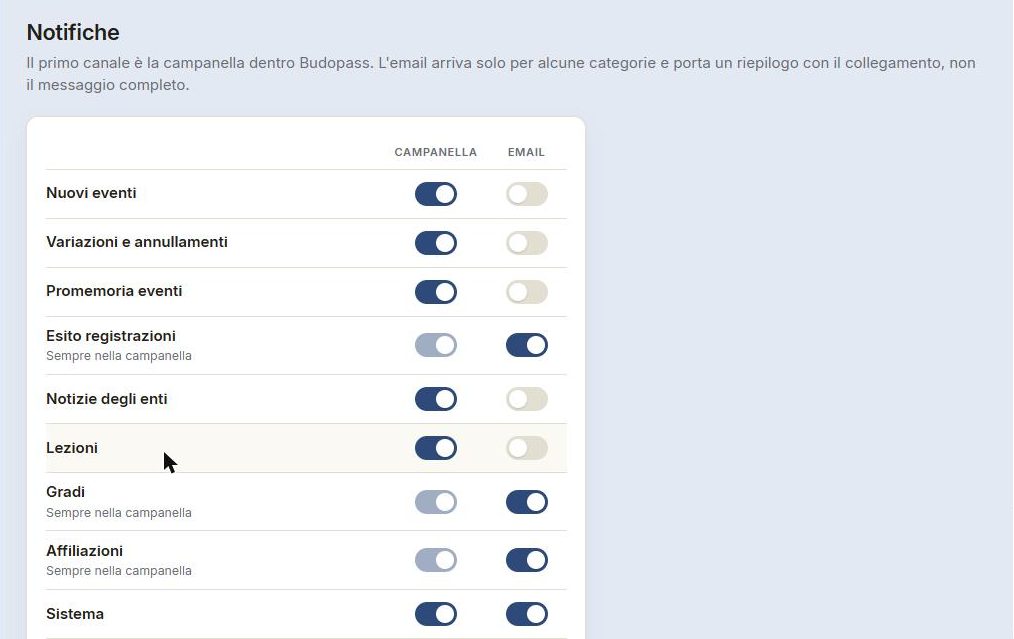
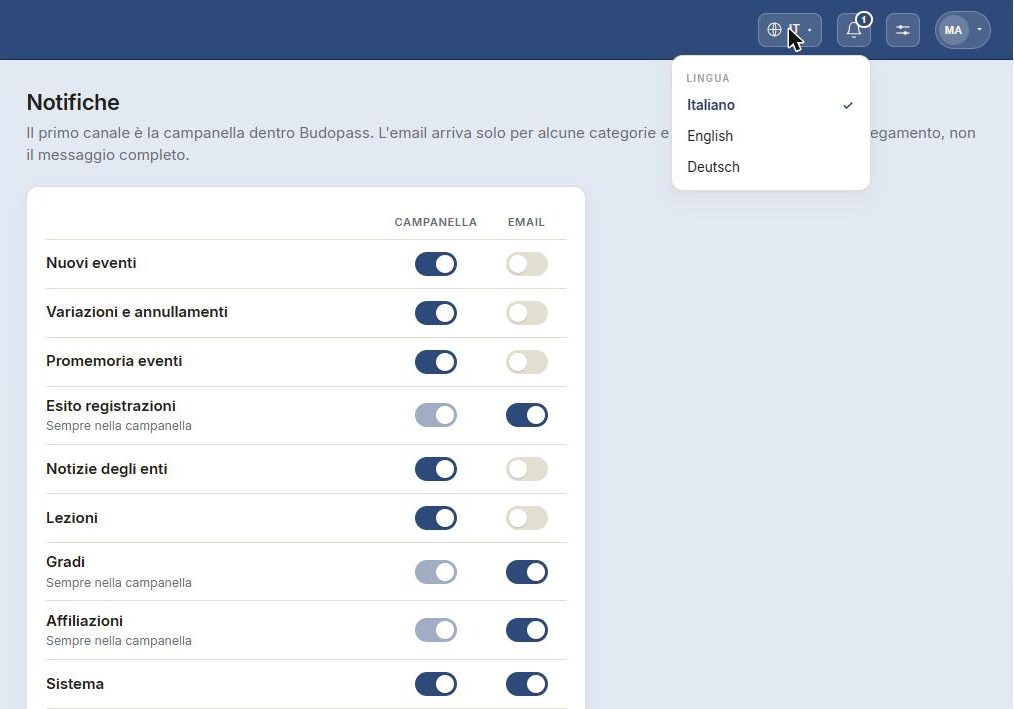
Profile, preferences and — in the top bar — the language Budopass writes to you in. Notifications are tuned in detail: what to receive and how.
The switcher
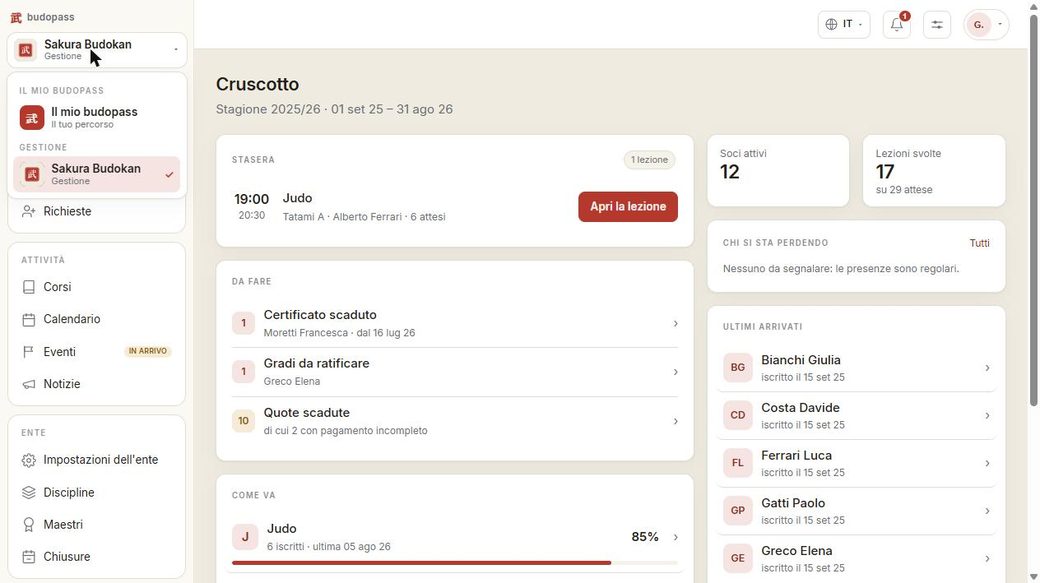
From the same menu at the top left you switch between your student view — “My budopass” — and the dojos you manage. A manager has a path too: they can declare their own grades and see their own budopass, just like anyone else.
Running a dojo
The tools for whoever manages an organisation: from opening to grades.
Opening a dojo
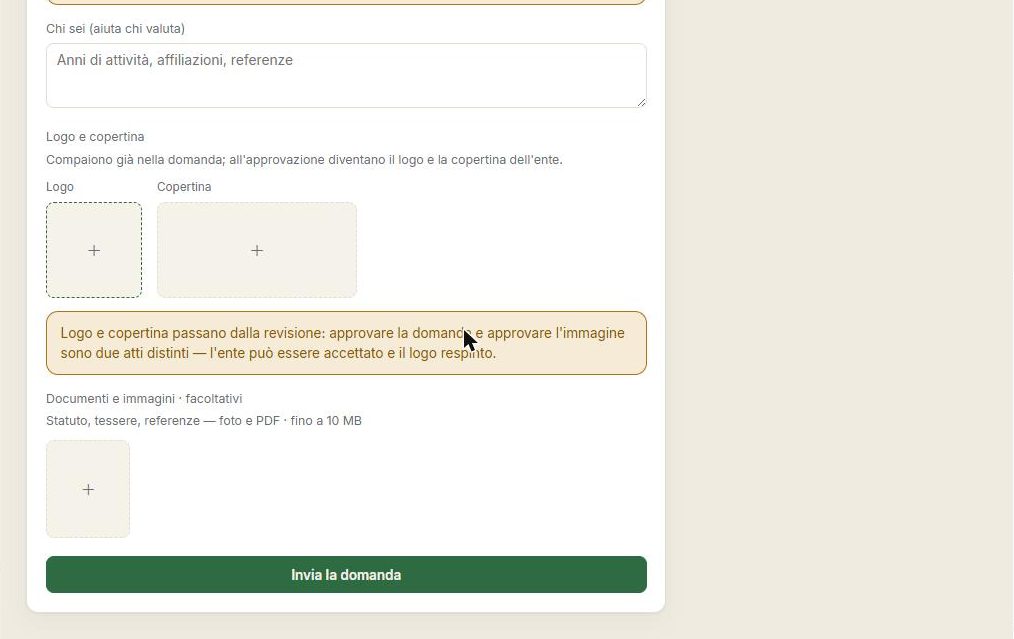
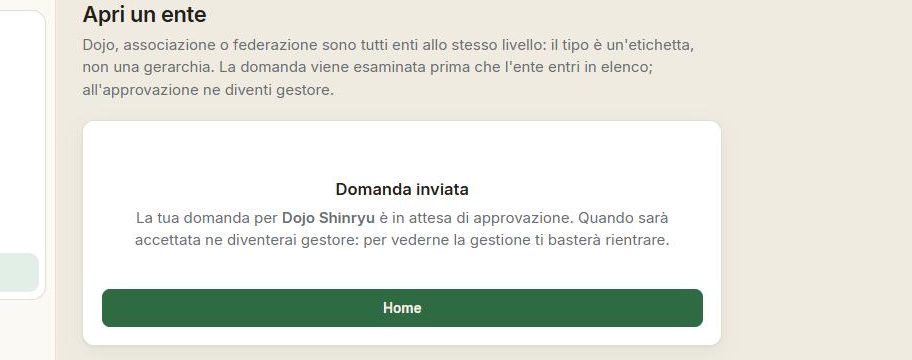
Anyone who teaches can open their own organisation in a few steps: name, discipline, location. The request is submitted and, once active, opens the management dashboard.
The dashboard
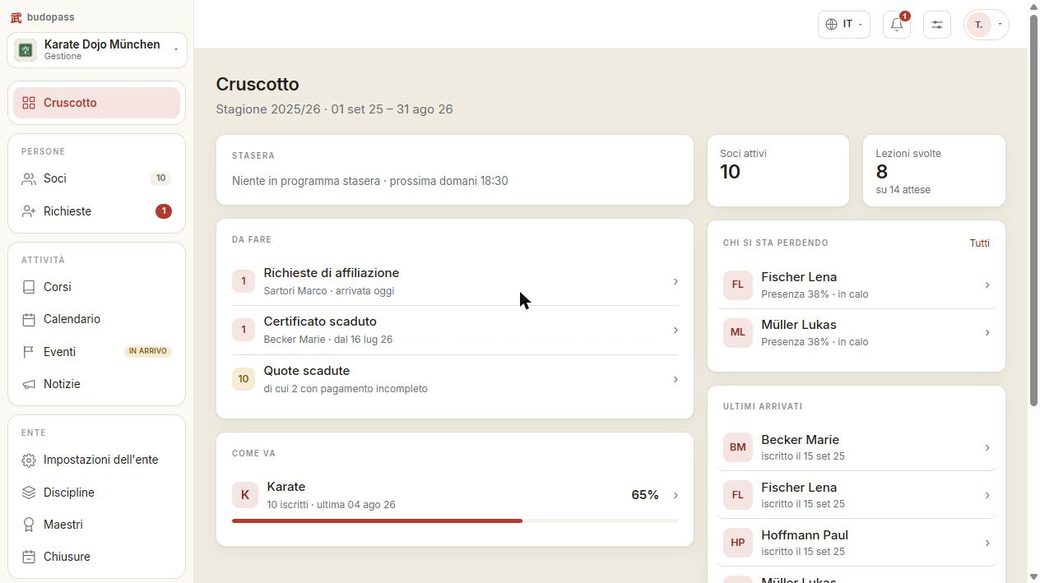
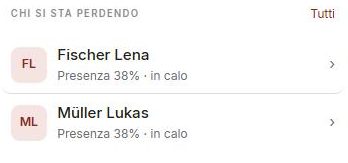
The manager's first screen takes the dojo's pulse: tonight's lesson ready to open, what needs doing (requests, expired certificates, fees), how the courses are going and — a valuable detail — who's slipping away, the students whose attendance is dropping.

Members
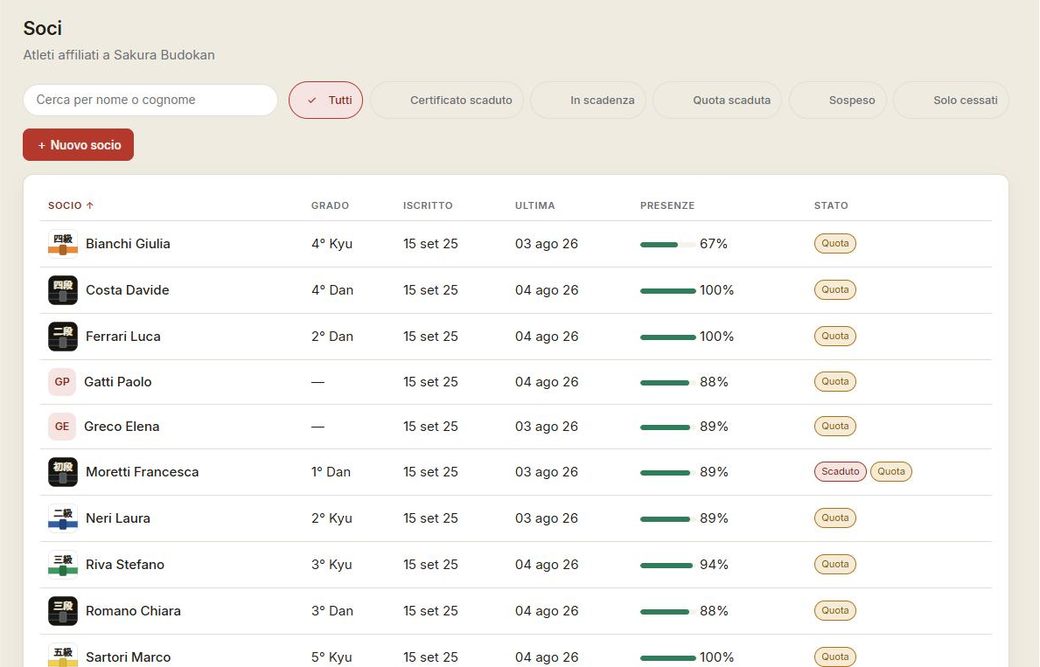
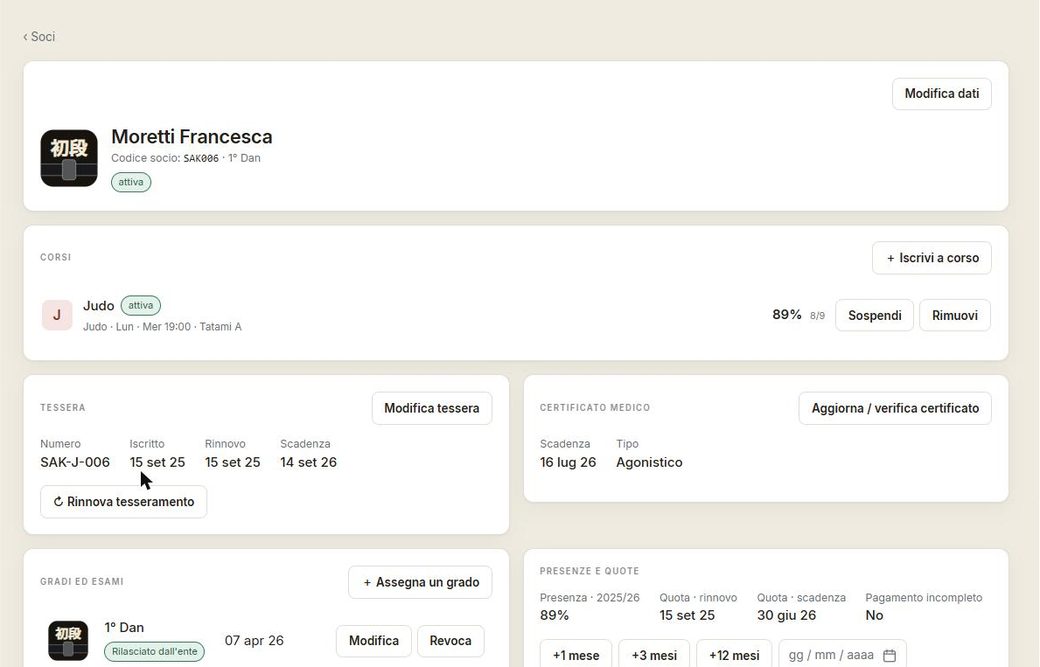
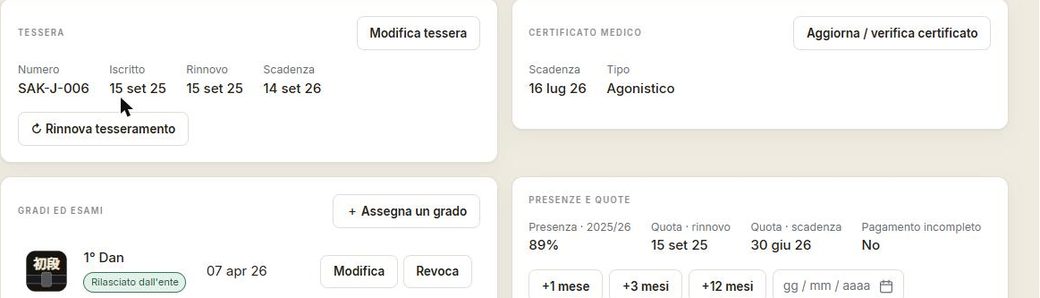
The member list is the dojo's living register. Each person's card gathers everything: courses attended, membership, medical certificate, attendance, fees and grades — with the three deadlines that matter tracked by colour: red for the certificate (no stepping on the mat), amber for the fee due.
Courses
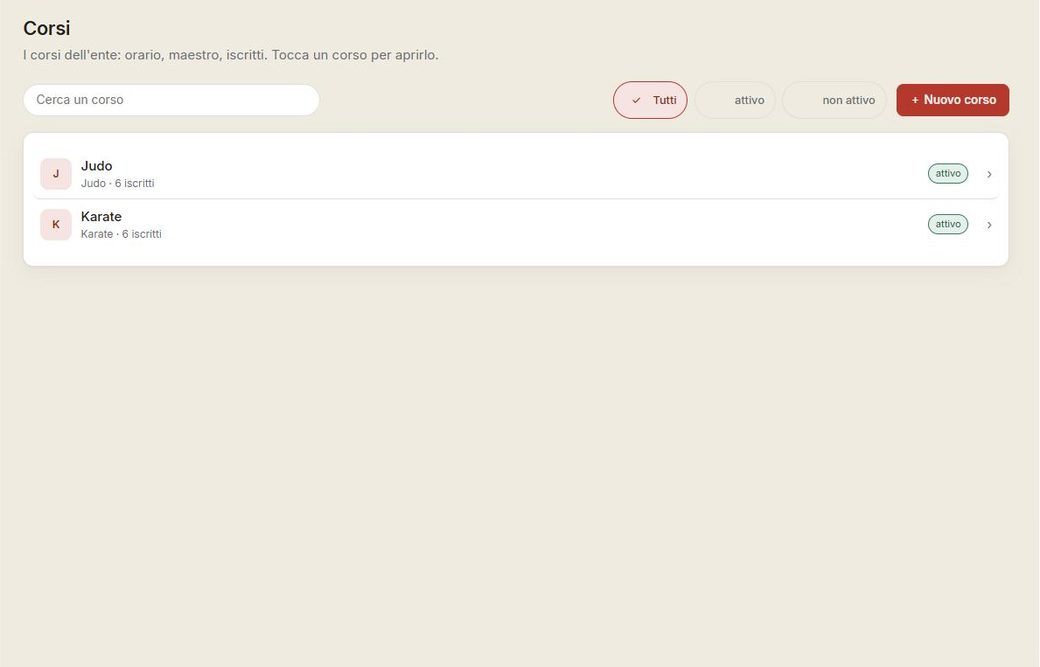
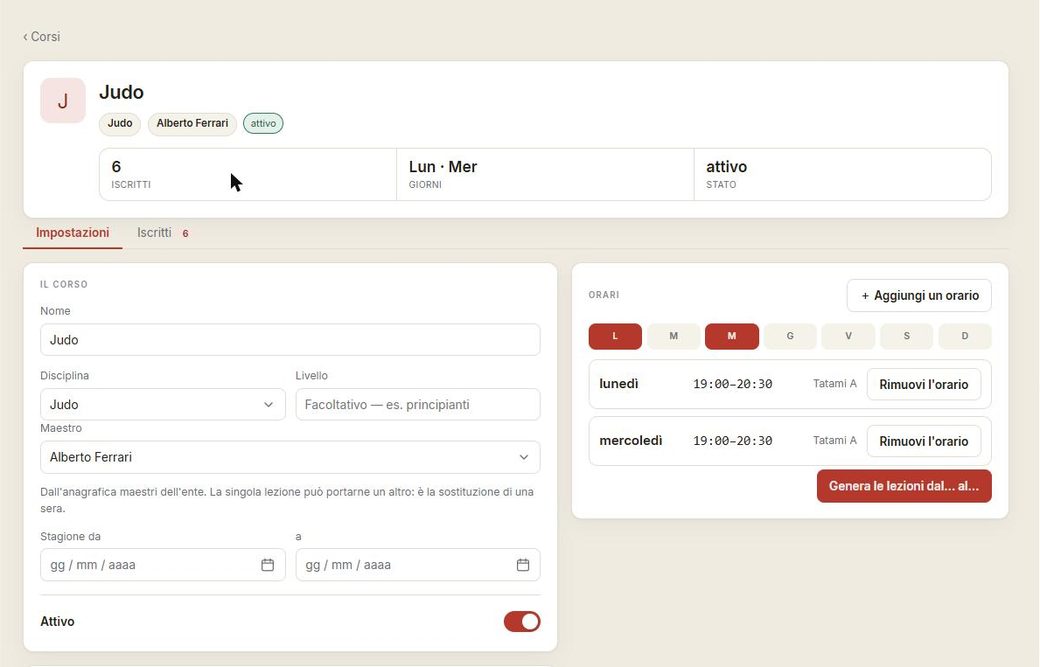
Each course has its own schedule, discipline and grade scale. The course page shows enrolled members, calendar and progress.
Calendar, attendance and check-in
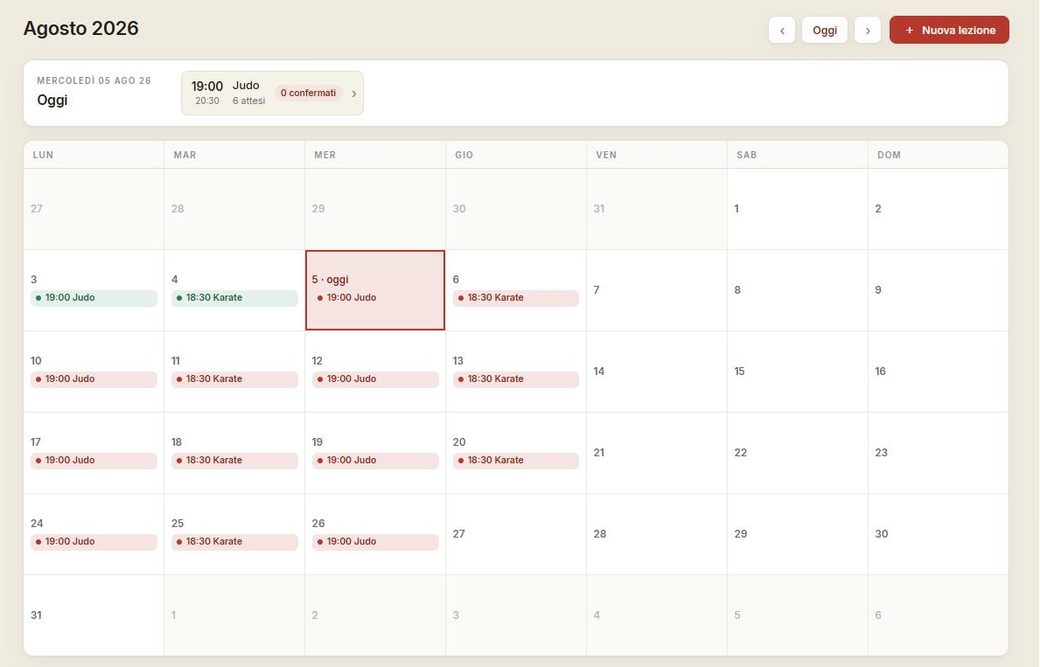
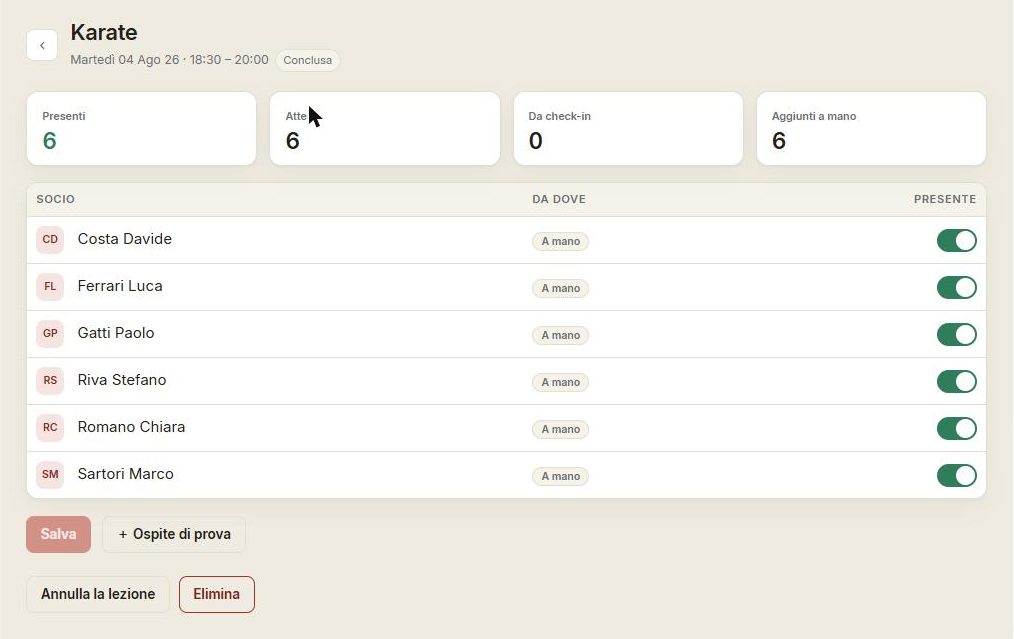
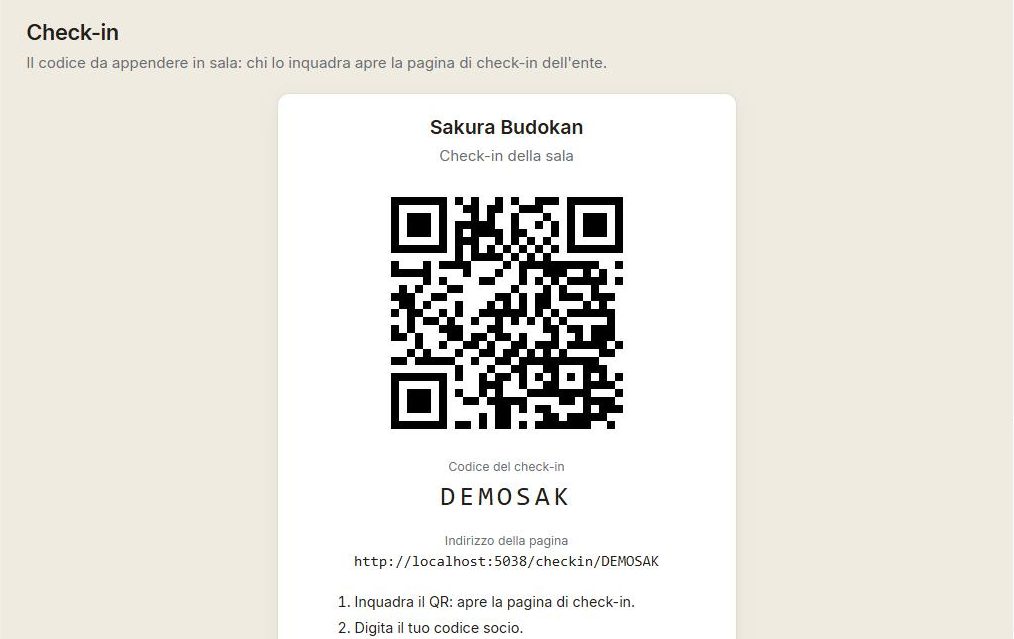
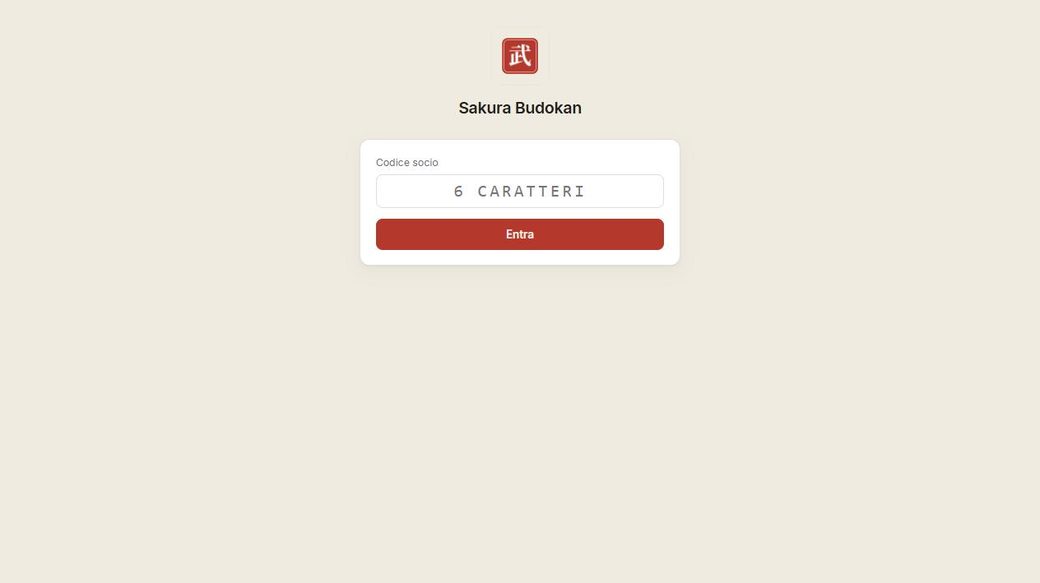
The calendar shows the lessons; opening a lesson lets you take the roll. Attendance is taken by hand or via check-in: every member has a personal QR code and there's a public check-in page for the room.
Events — coming soon
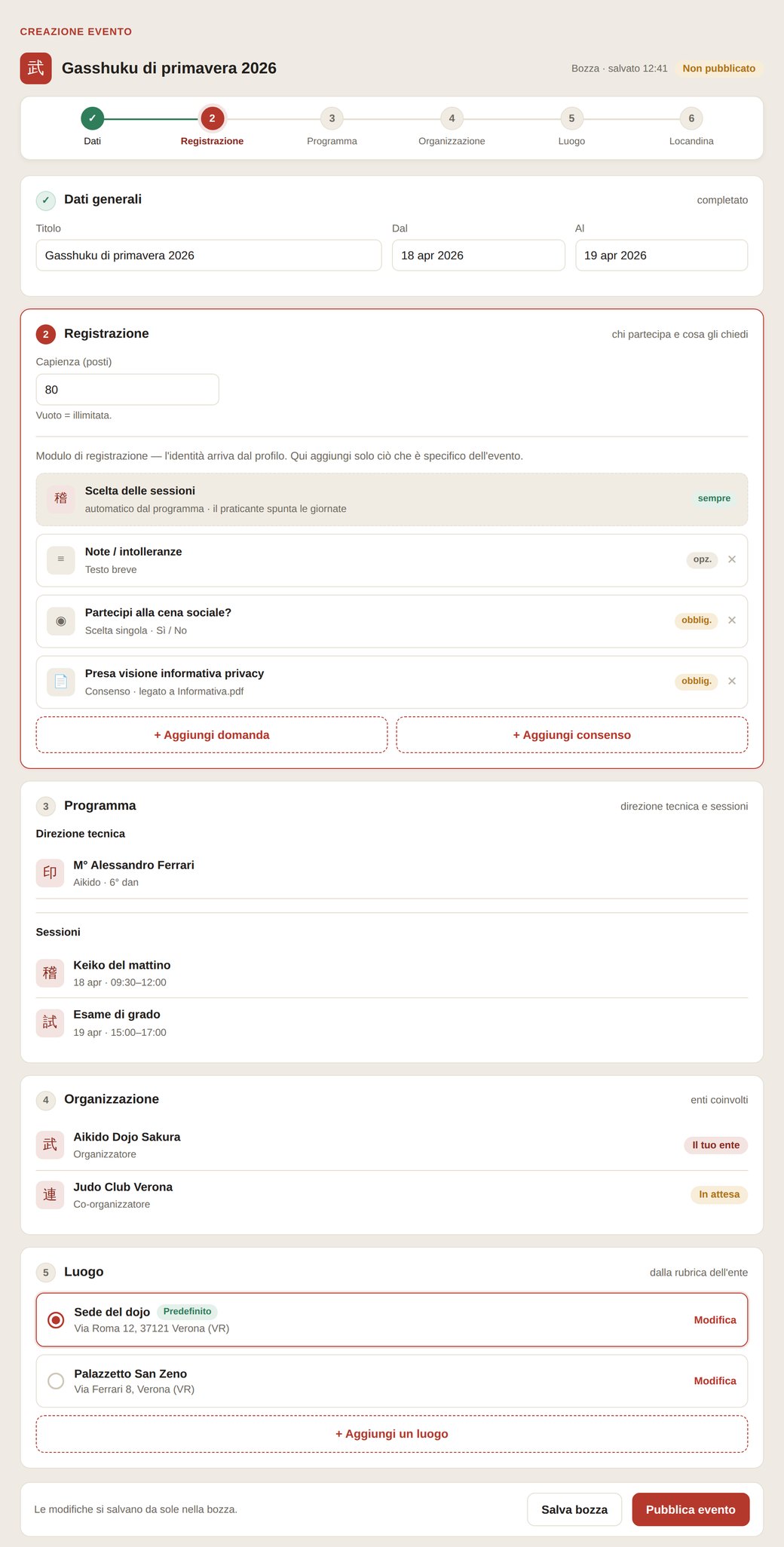
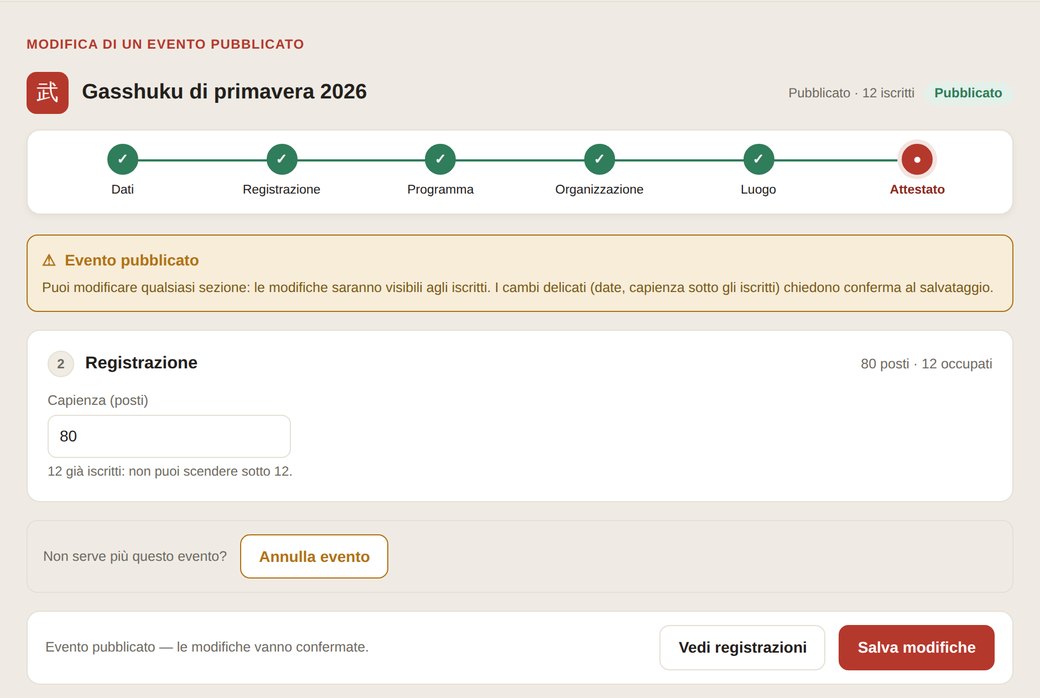
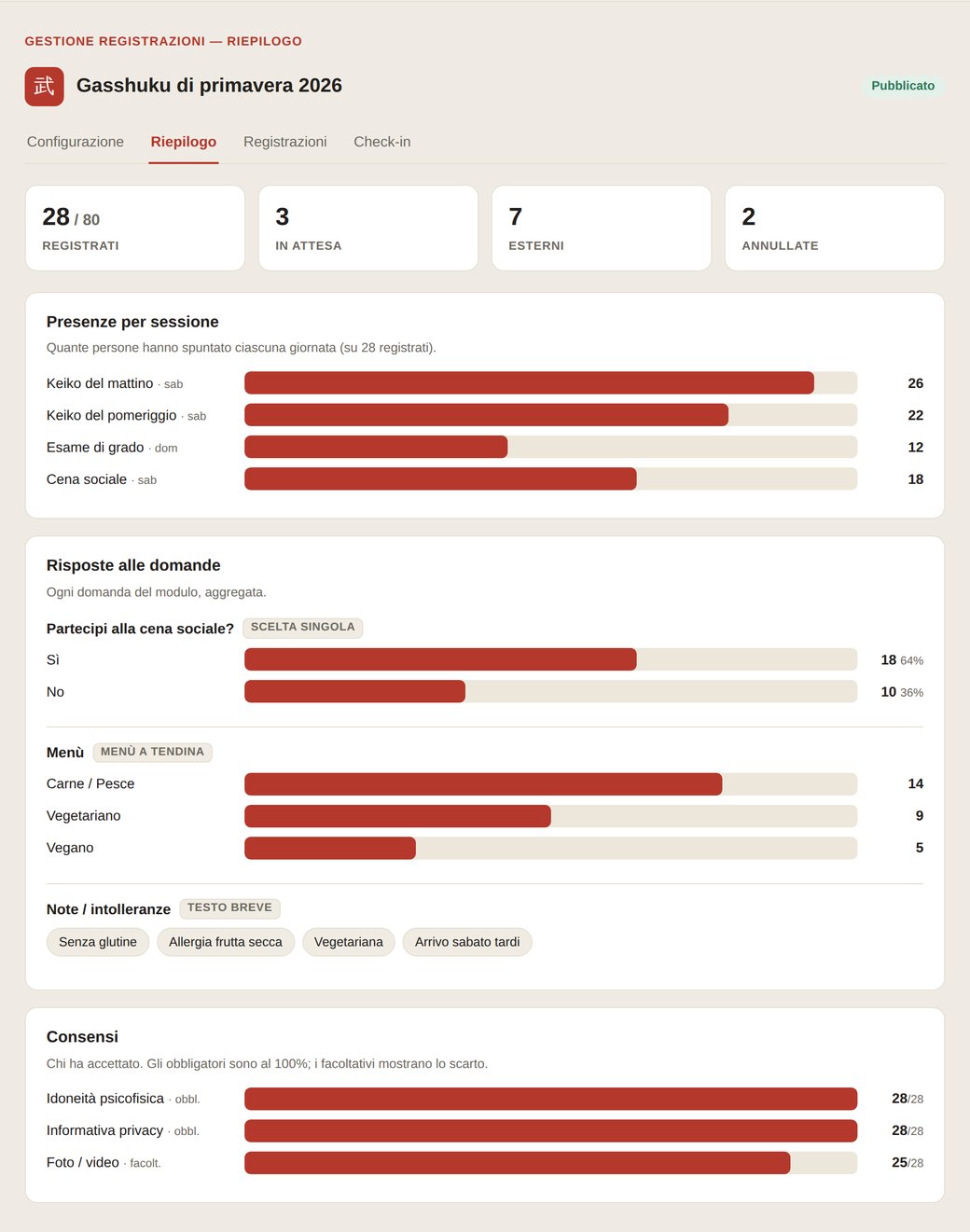
Events — gasshuku, seminars, exams, training camps — are the next pillar. The dojo creates an event, opens registrations with a tailored form and, at the end of the day, issues the certificates.
Masters and stamps
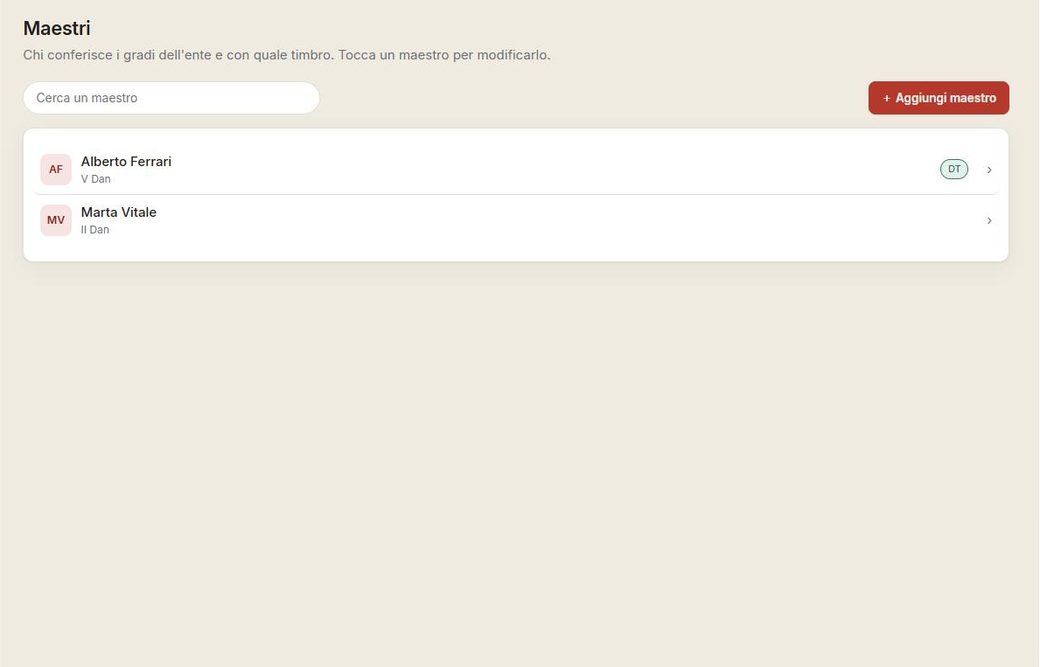
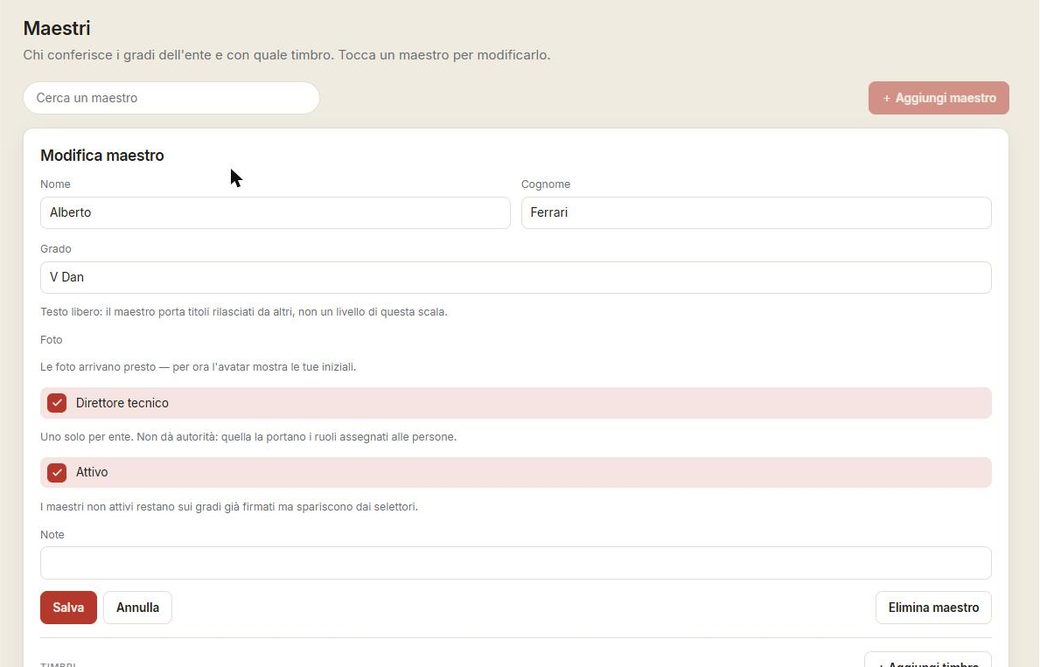
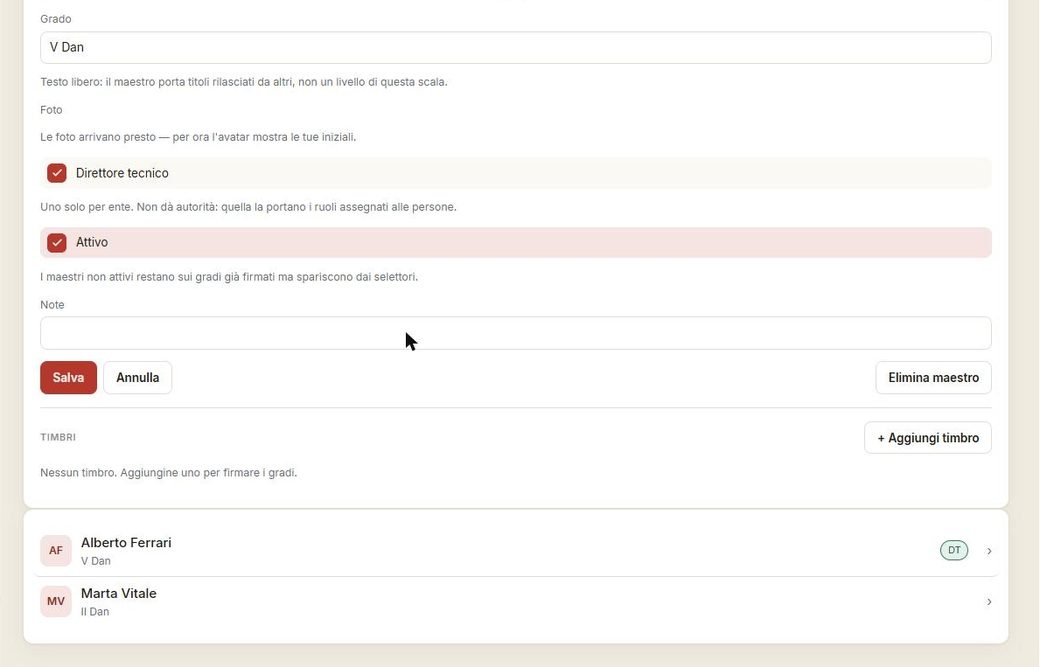
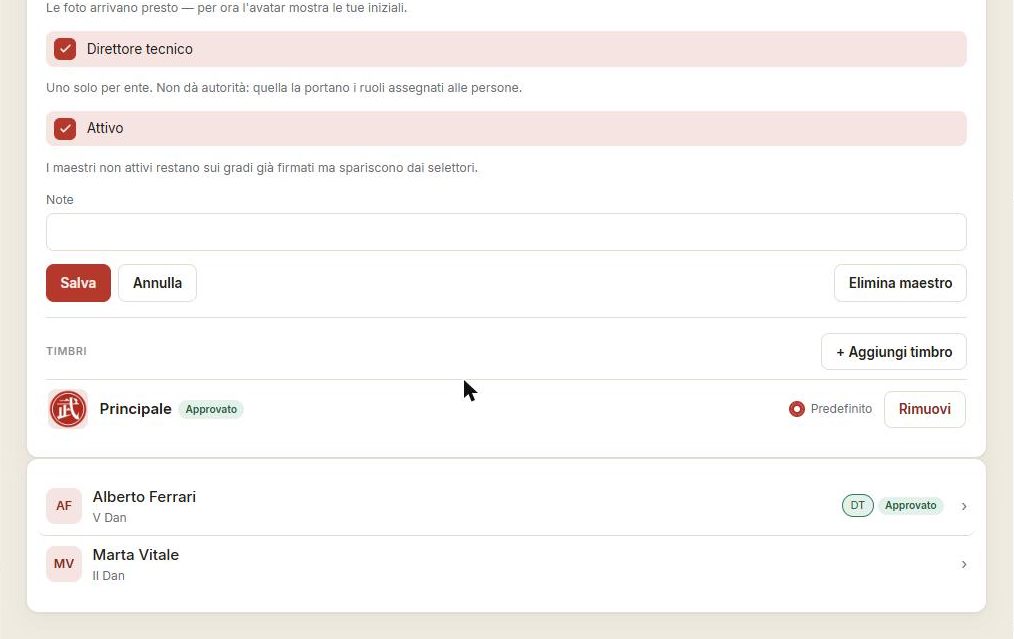
The dojo's masters sign grades with their own stamp (hanko). The stamp appears on the grade certificate and the exam sheet as a mark of authenticity — “✓ verified”.
Grades and scale
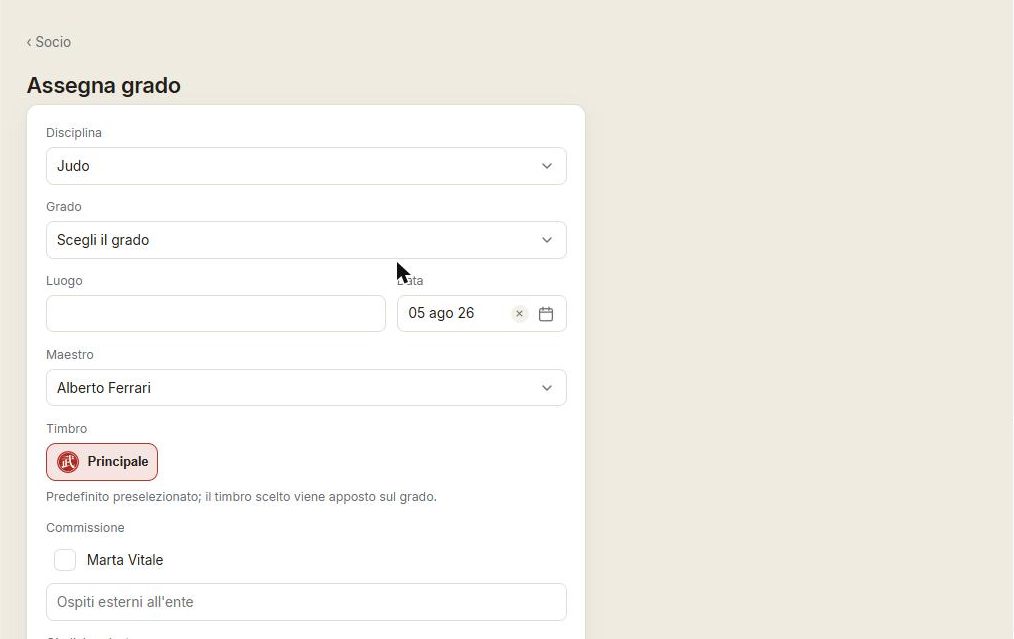
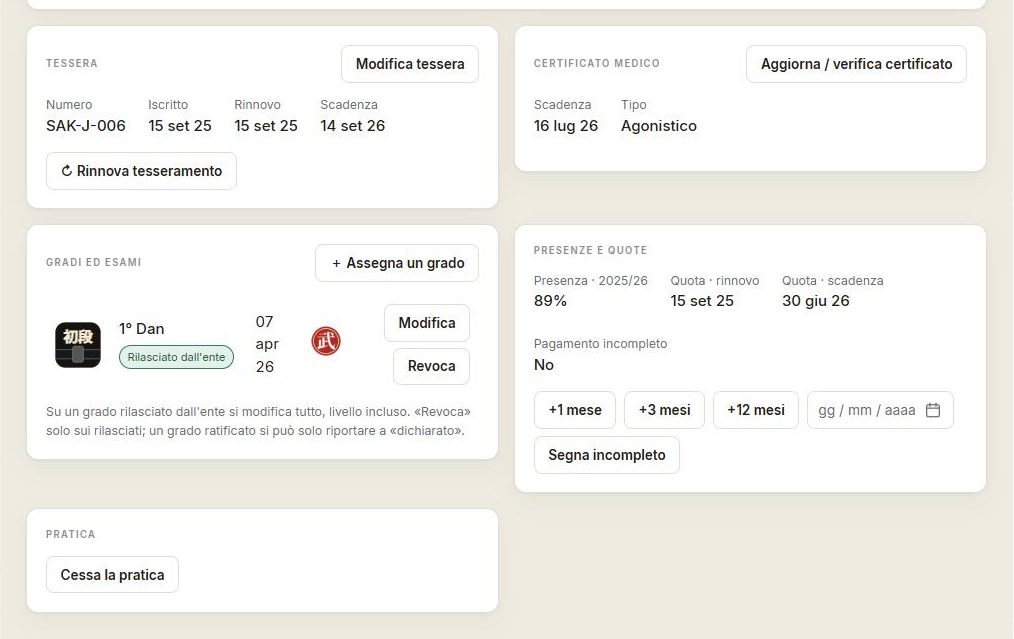
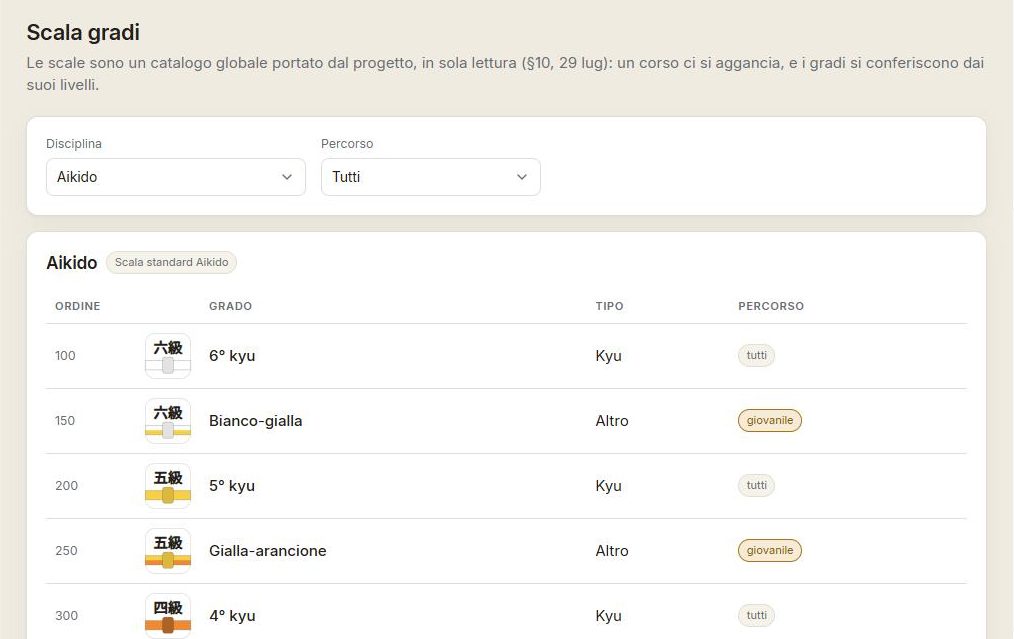
The dojo awards grades along its own scale (the discipline's kyu/dan). An awarded grade carries the date, the examiner and the master's stamp.
News
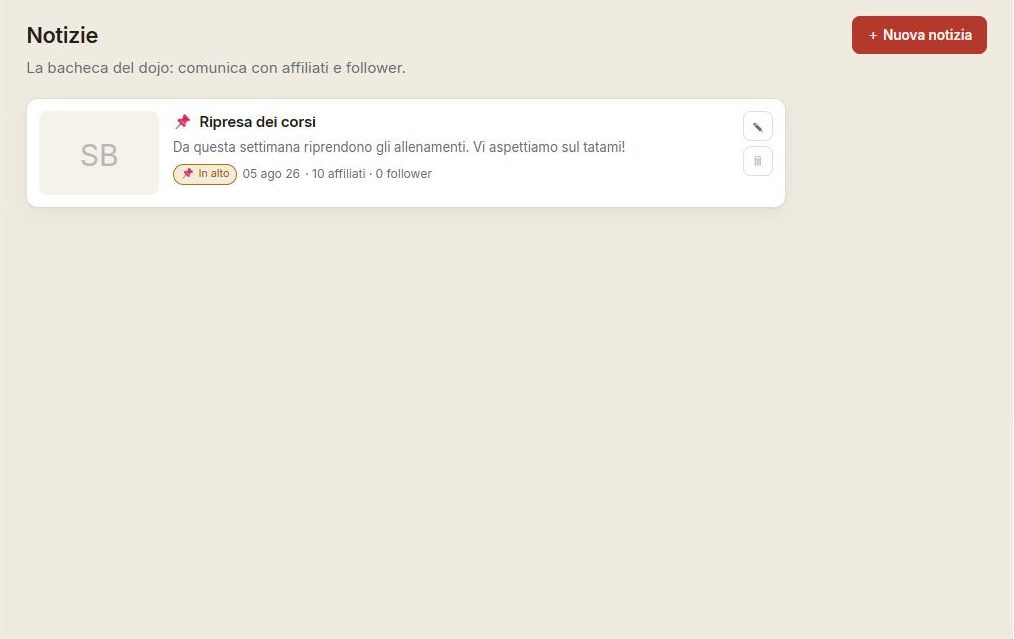
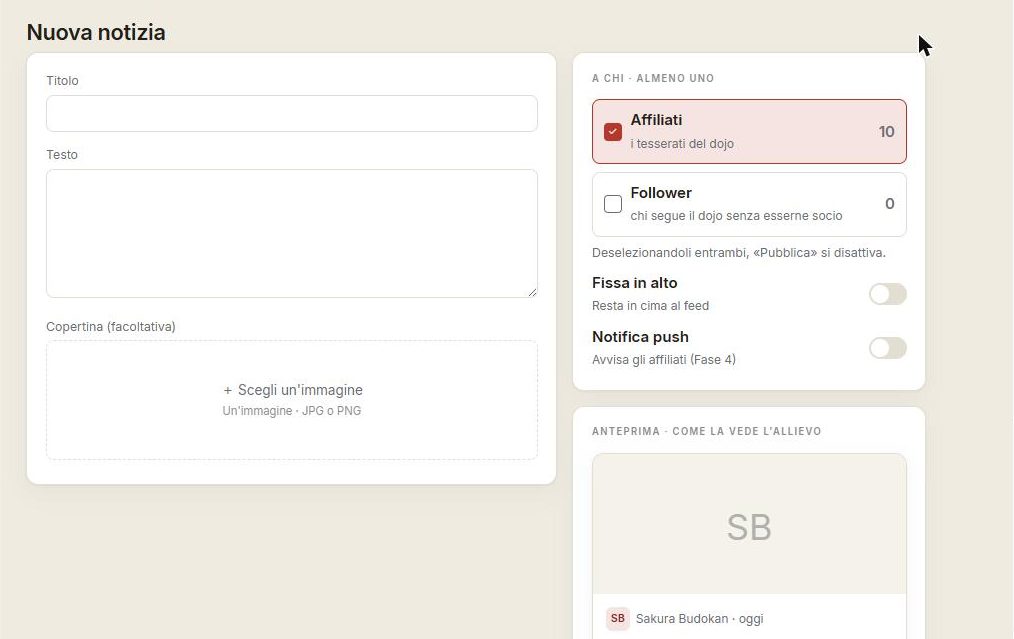
The dojo publishes news and events: they reach members and anyone who simply follows the organisation, and appear among the notifications.
Membership requests
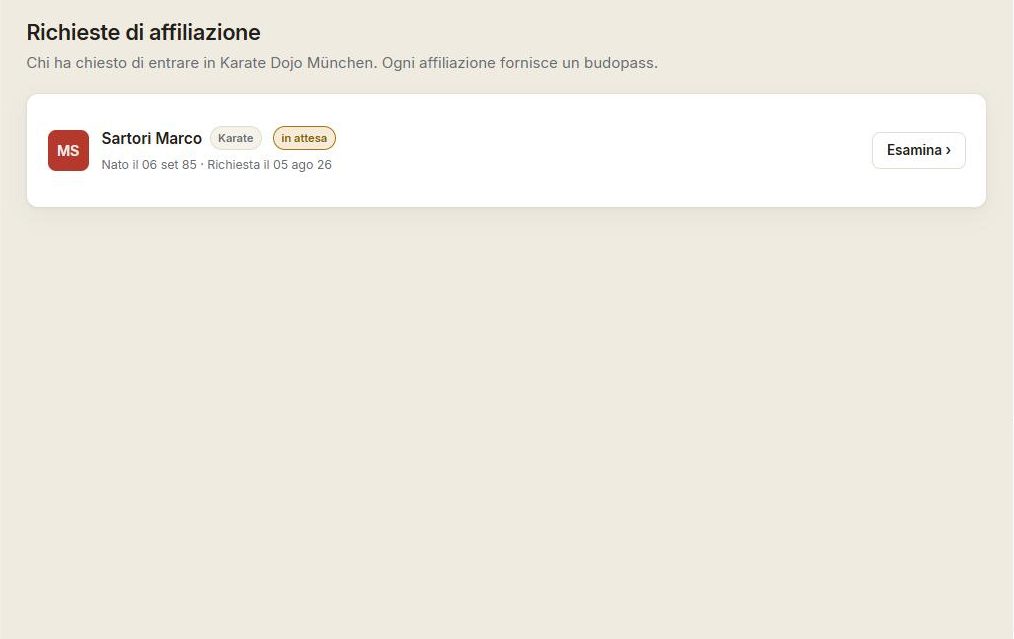
When a practitioner asks to join, the request lands here: the manager reviews and accepts it, granting membership and grades.
Grades to ratify
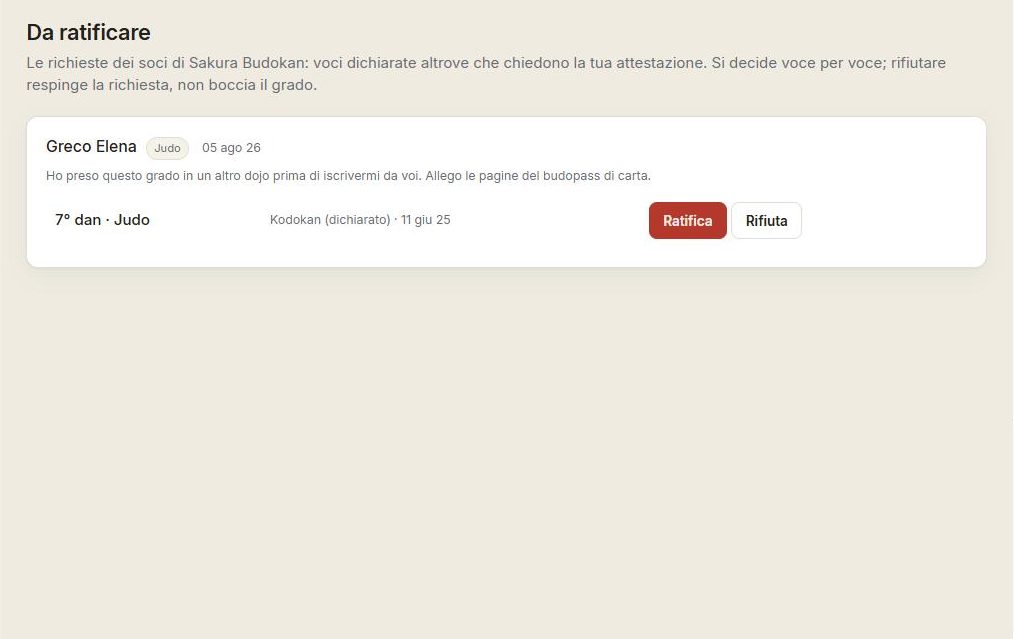
A student can declare a grade earned earlier at the organisation and request its ratification. The requests land in this queue: ratifying adds the issuer and the stamp, and the grade moves from “declared” to “ratified”.
Organisation settings
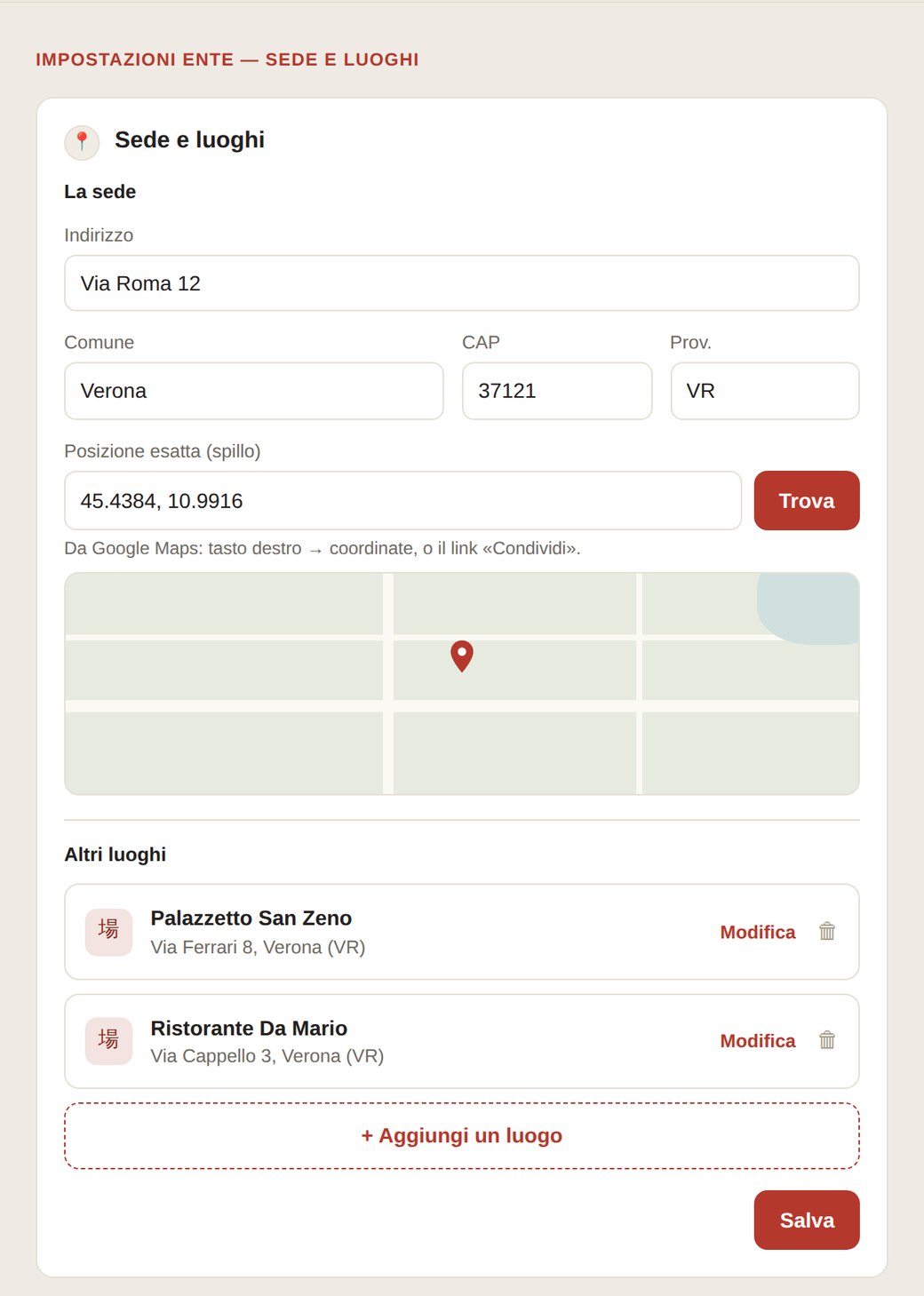
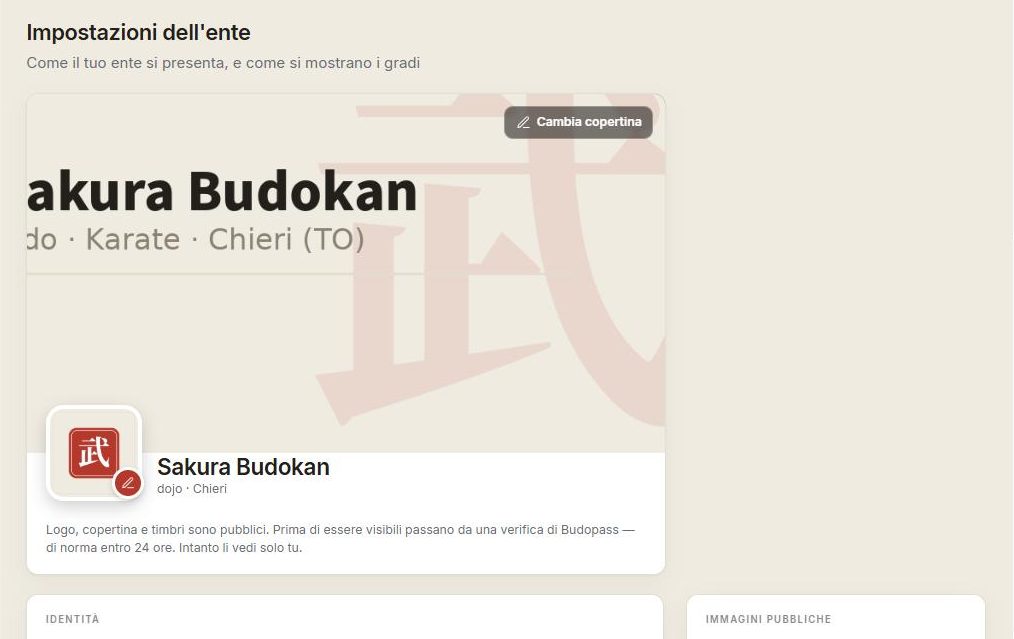
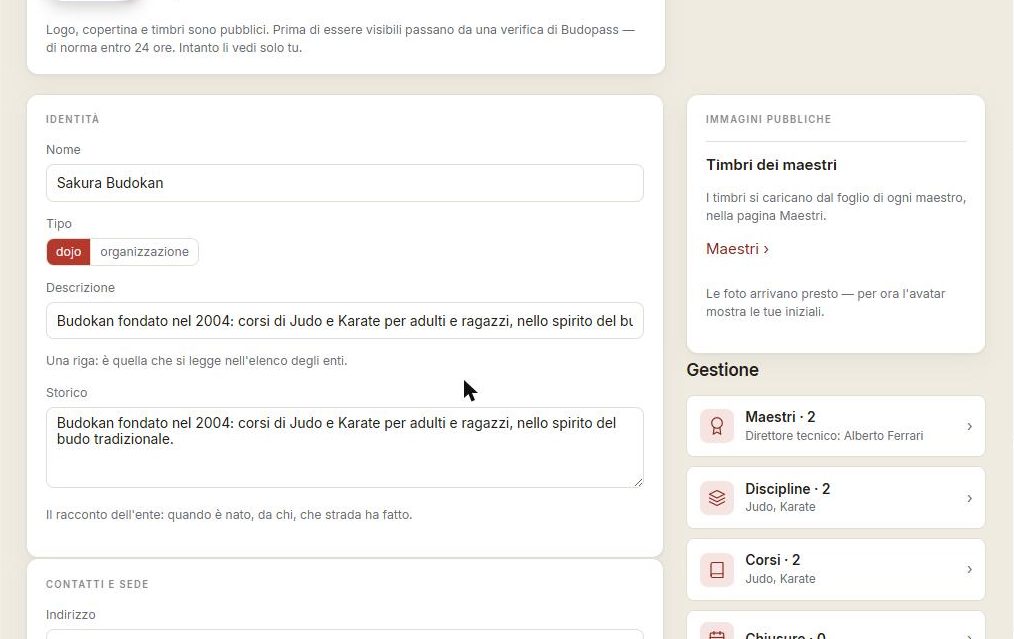
The dojo's identity, disciplines, location: here you shape how the organisation presents itself — name, logo, cover, description.
Notifications
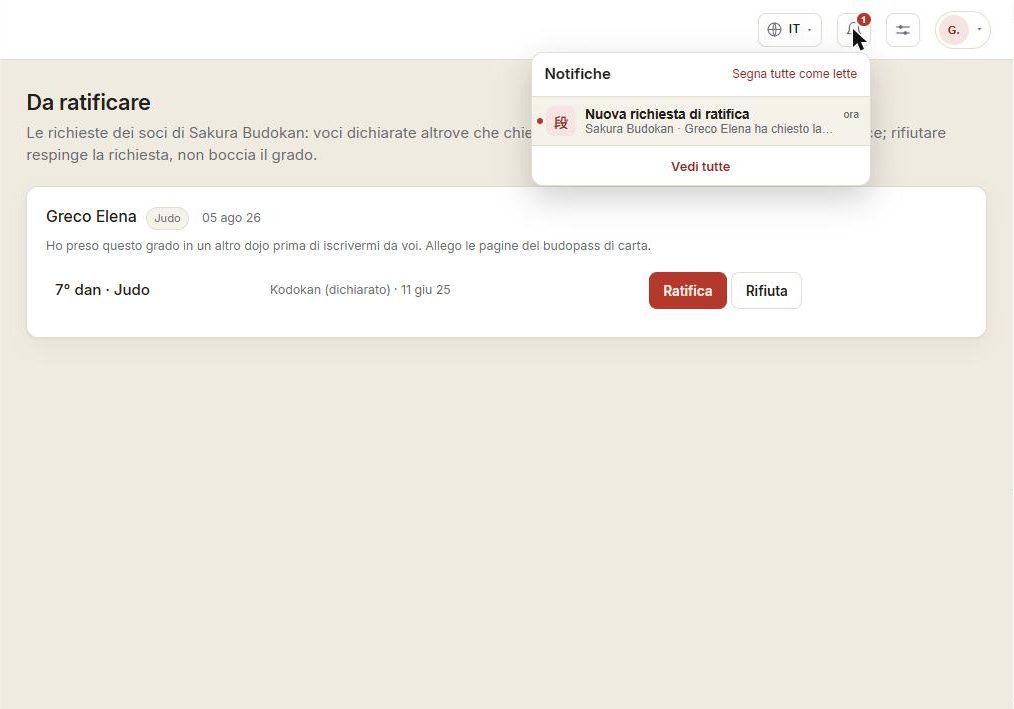
The bell gathers what needs attention: new membership requests, grades to ratify, published news.
The same things, in your pocket
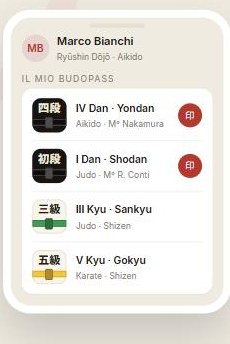
Budopass Web is the first surface; the iOS and Android app arrives with the start of the season, in September. The same things — grades, stamps, attendance, calendar — in your pocket, even at the edge of the mat.
This section will be completed with the app's screens as soon as they're available.